iPhone
- Face ID unlock
- Scan QR codes with the camera
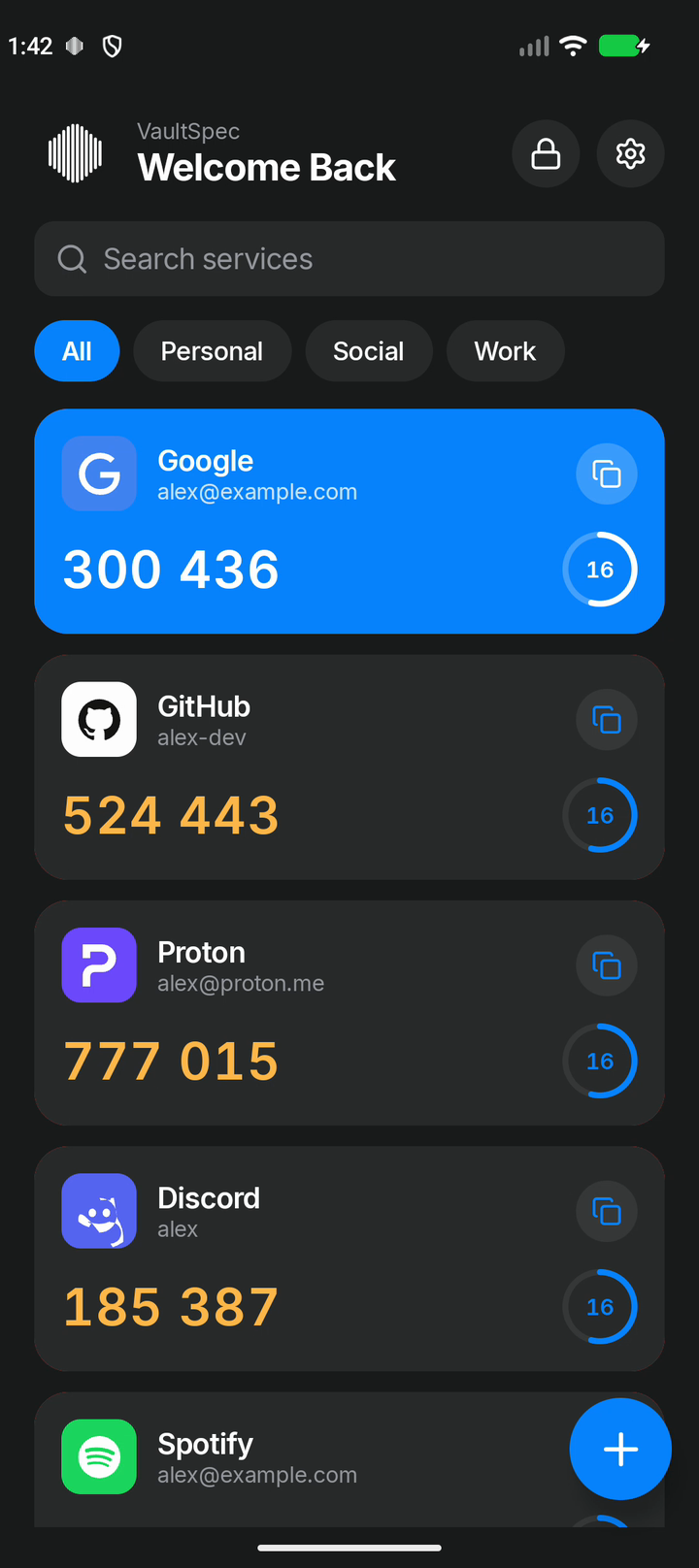
- Codes hidden in screenshots and recordings
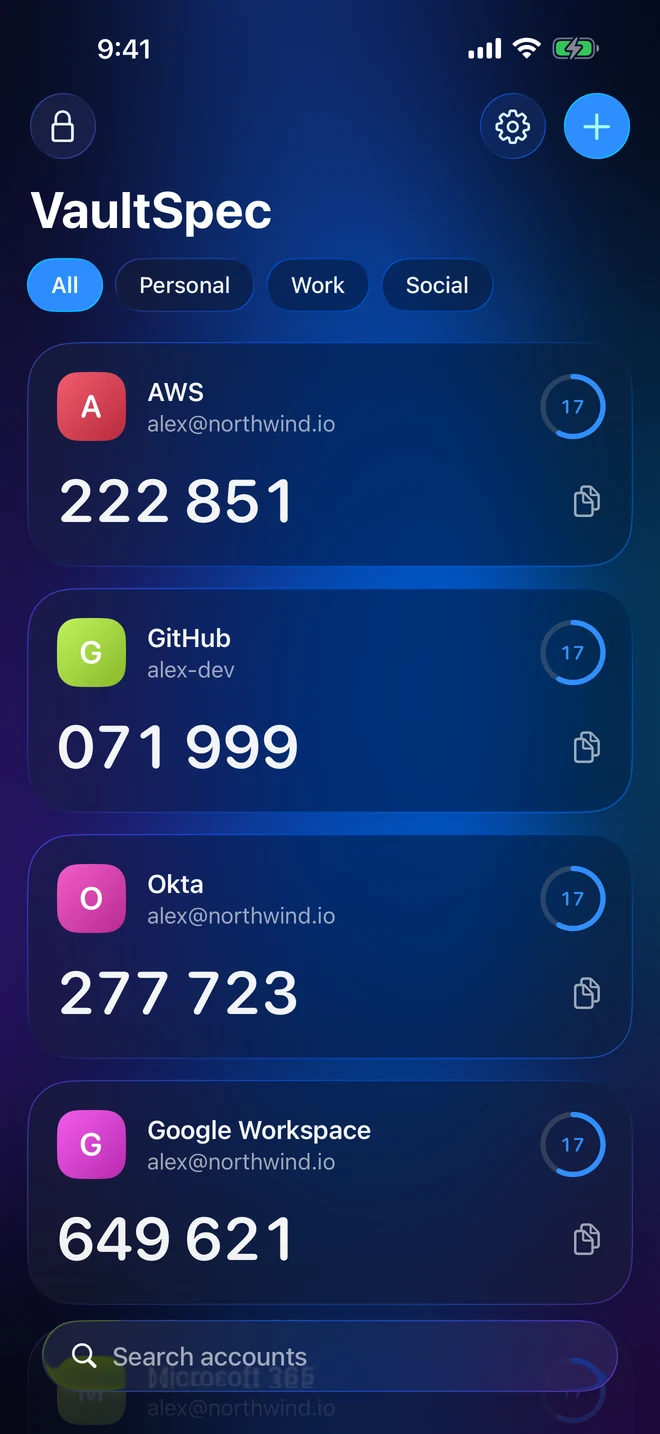
Now on the App Store for iPhone, iPad and Mac
VaultSpec is an open-source authenticator. Secrets are encrypted with AES-256 on your device and unlocked with Face ID, Touch ID or your fingerprint, with optional cloud backup that only you can decrypt.
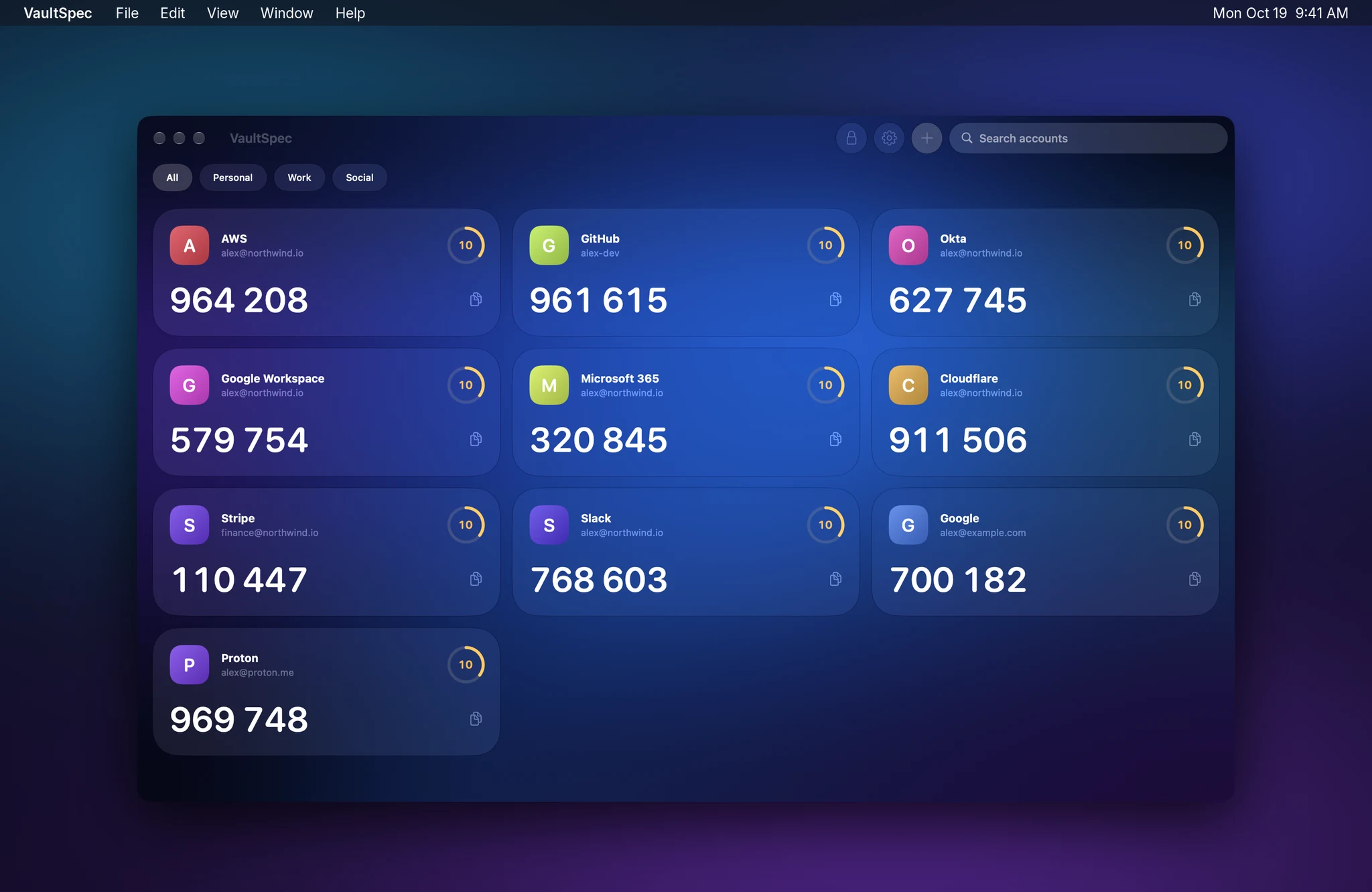
Platforms
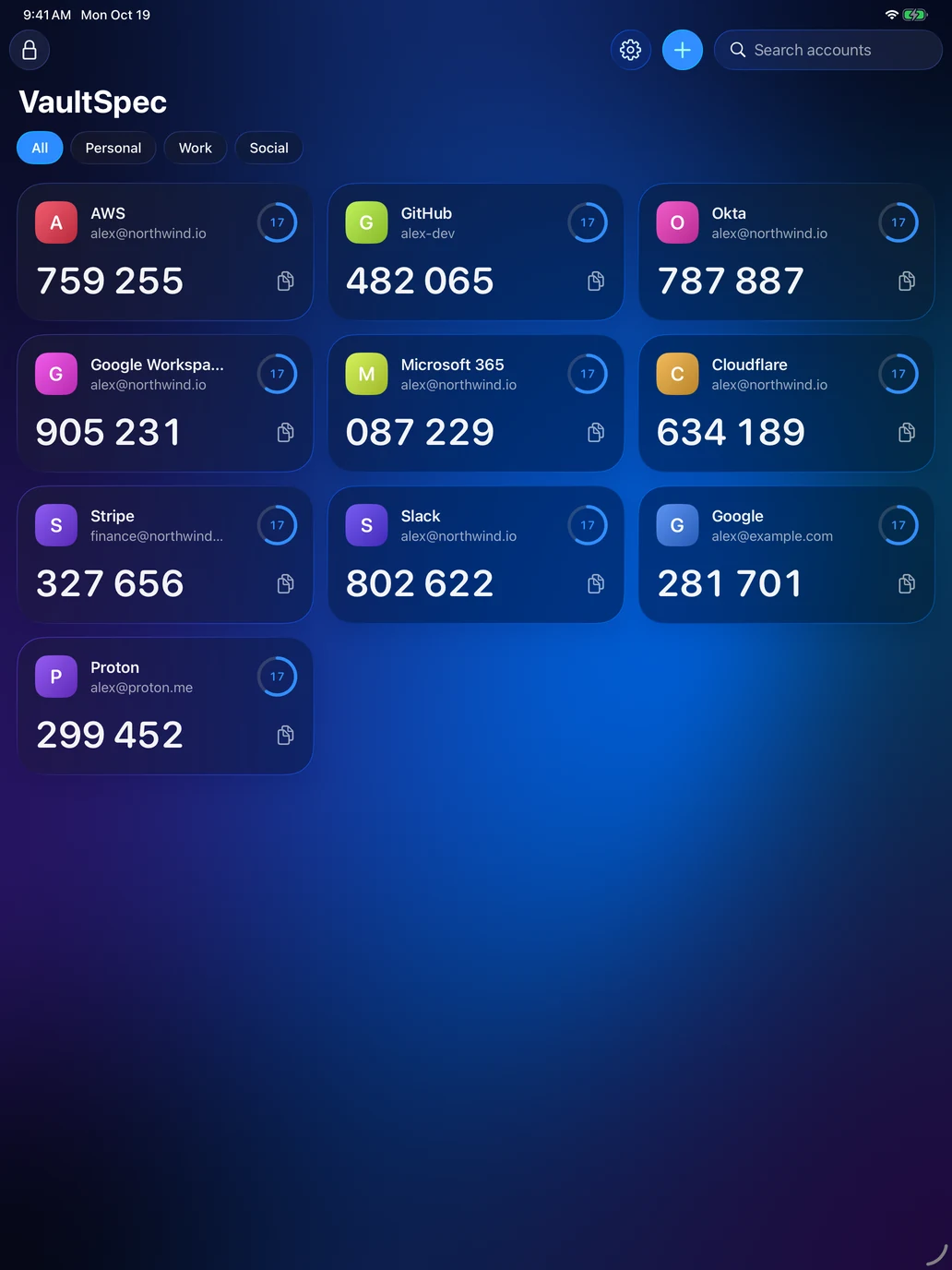
Native apps for iPhone, iPad, Mac and Android, sharing one encrypted backup format. Switch devices without losing a single account.
A native Mac app for the moments you sign in all day: copy a code without reaching for your phone.
Features
Built to be fast to use every day, and careful with the secrets that protect your accounts.
Every secret is encrypted on your device with AES-256-GCM. The vault key is protected by your vault password, never stored in plain form.
Face ID, Touch ID or fingerprint. The key is held by the Keychain on Apple devices and the Android Keystore on Android; the app never sees your biometric data.
Codes are generated on your device following RFC 6238. You can use VaultSpec without ever creating an account.
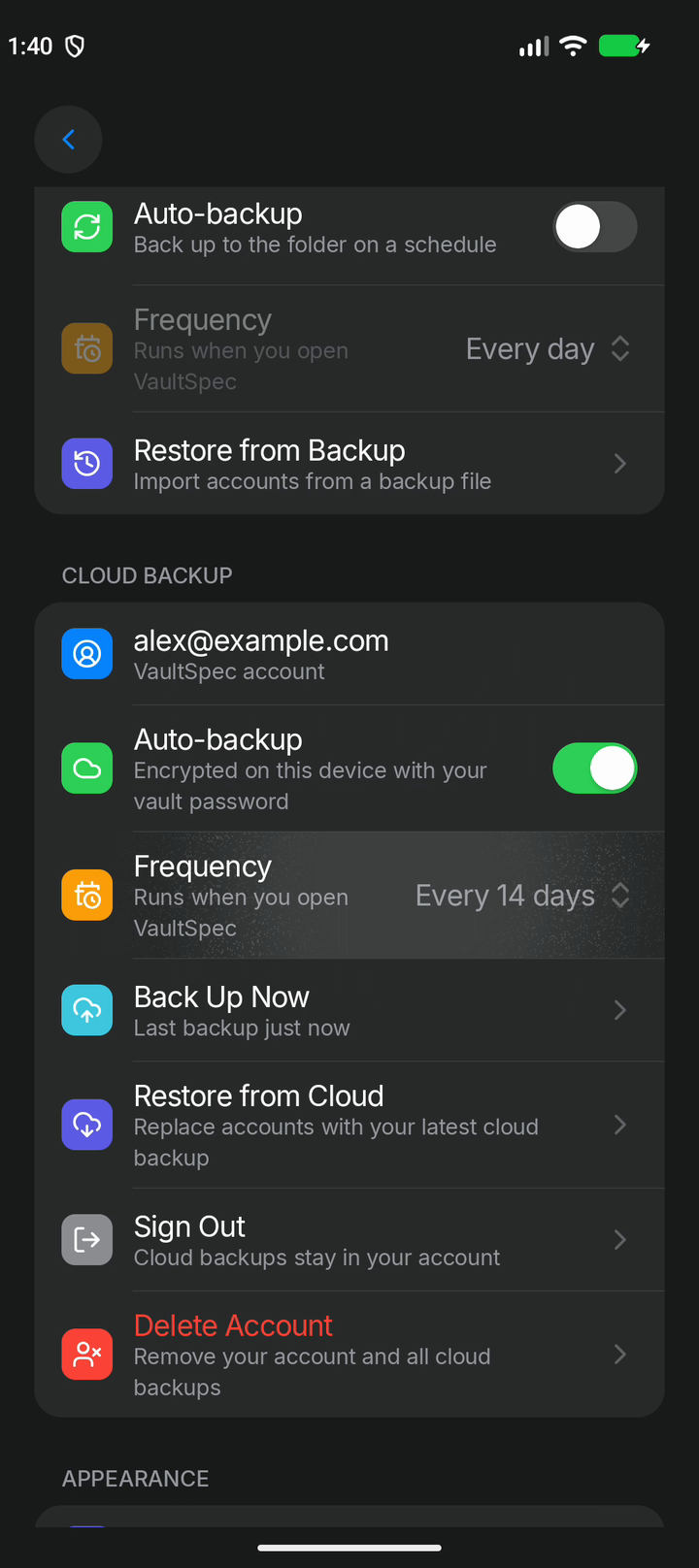
Optional backup to your VaultSpec account. Your vault is encrypted before it leaves your device, so we only ever store ciphertext.
Apple devices back up after every change. Android backs up to the cloud or a local folder on a schedule you pick.
Scan a QR code on iPhone, iPad or Android, or paste a setup link or key on any device. SHA-1, SHA-256 and SHA-512 supported.
Sharp brand icons are bundled with the app, so accounts are easy to spot without looking anything up online.
Liquid Glass on iPhone, iPad and Mac. Light, dark and pitch-black themes on Android. Same vault format everywhere.
Security controls
The controls security teams ask for, built in rather than bolted on.
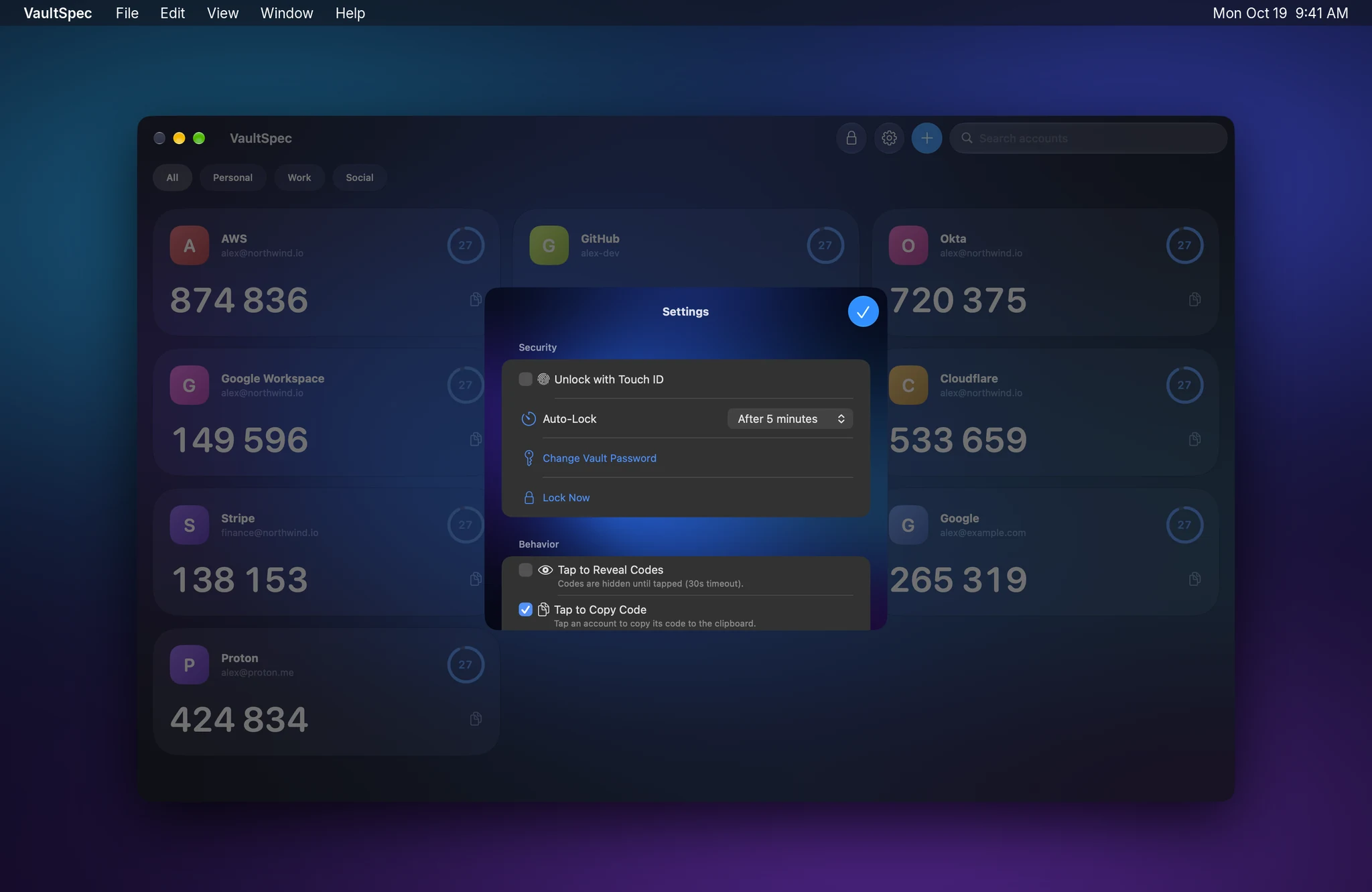
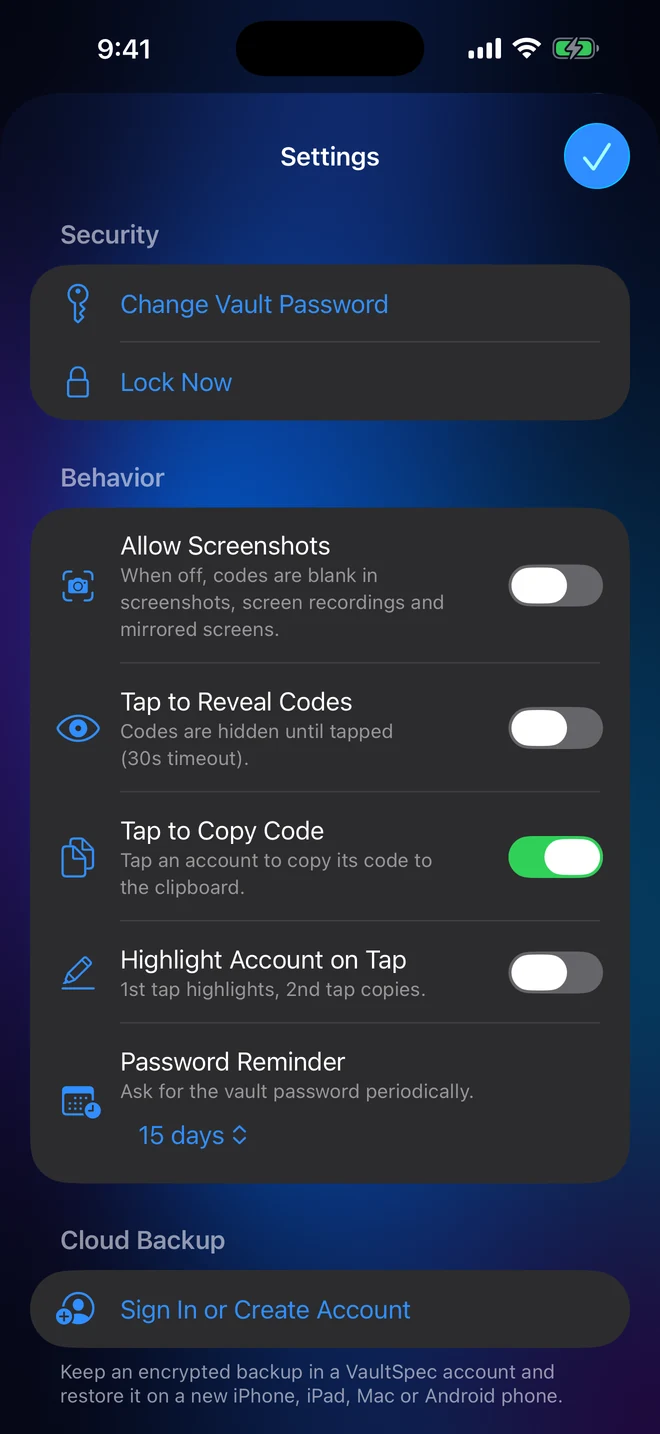
Locks the vault after the app has been away for a time you choose, from immediately to an hour.
iPhone, iPad, Mac
Codes are blank in screenshots, screen recordings and mirrored displays unless you allow them.
iPhone, iPad, Android
Codes stay hidden until tapped, then hide again after 30 seconds. Useful in shared spaces.
All platforms
Asks for the vault password every 7, 15 or 30 days, so biometrics never replace it for good.
All platforms
Face ID, Touch ID and fingerprint unlock, with keys held by the Keychain or Android Keystore.
All platforms
Open source under GPL-3.0. Anyone can review exactly how secrets are encrypted and sent.
All platforms
Cloud backup
Cloud backup is optional. Turn it on and your vault is encrypted on your device before it is uploaded, so a new phone, tablet or Mac is only a sign-in away.
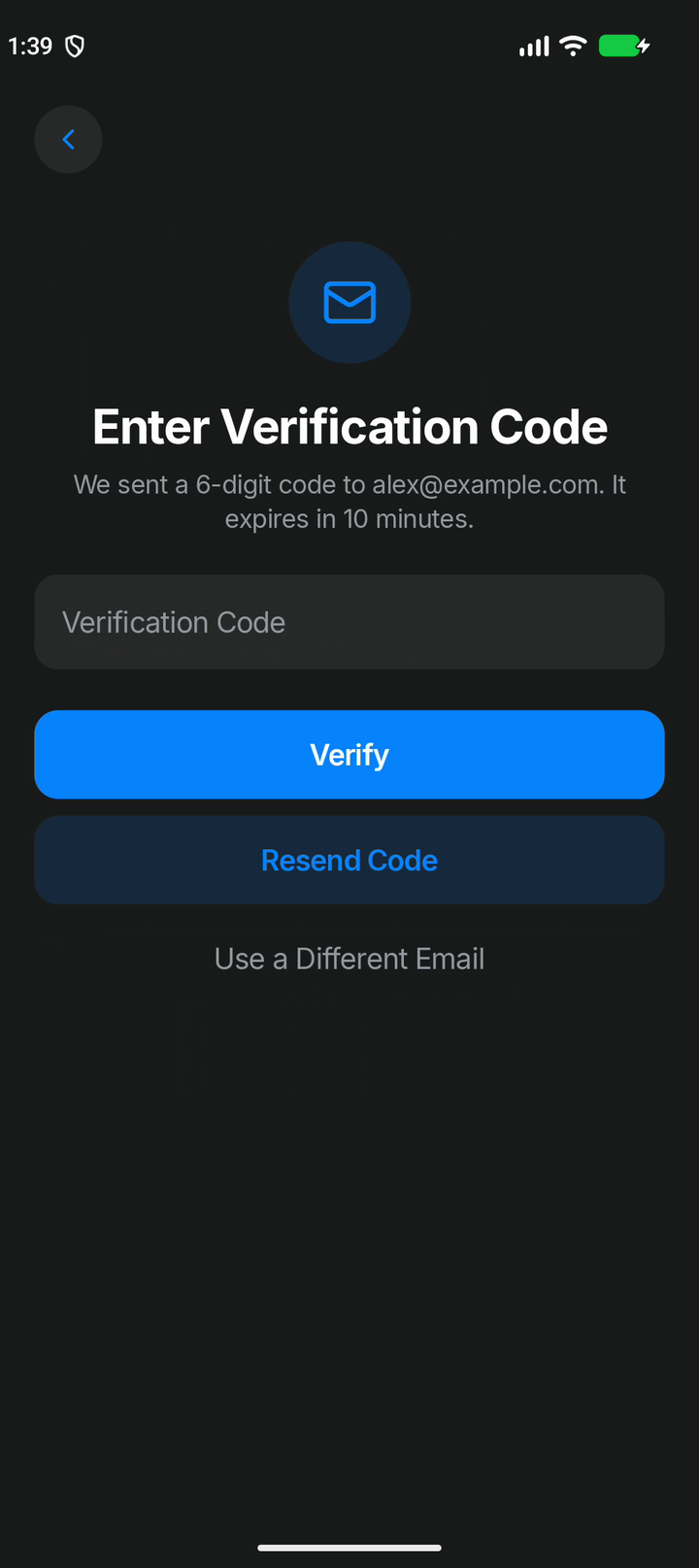
Signing in takes your account password and a one-time code sent to your email. That gets you to your backups, not into them.
Backups are encrypted on your device with a key derived from your vault password. It is never sent to us, so we cannot decrypt them.
Security
The short version: your secrets are yours. This is what is stored where.
| Data | On your device | VaultSpec Cloud (optional) | Readable by us |
|---|---|---|---|
| Authenticator secrets and codes | Encrypted | Encrypted backup only | No |
| Vault password | Never stored | Never sent | No |
| Biometric data | Handled by iOS, macOS or Android | Never sent | No |
| Email address | Stored encrypted | Stored encrypted | Yes, to email you |
| Account password | Not stored | Argon2id hash | No |
The full details, including the providers we use, are in the privacy policy.
Getting started
Choose a vault password. It protects the key that encrypts everything in the app.
Scan a QR code or paste the setup key. Each secret is encrypted as it is saved.
Unlock with Face ID, Touch ID or fingerprint and tap a code to copy it. No connection required.
Back up to your VaultSpec account and restore on any iPhone, iPad, Mac or Android device.
Questions
iPhone, iPad and Mac (one app on the App Store), and Android (on Google Play). Each is built natively for its platform.
Yes. Turn on VaultSpec Cloud backup on one device, then choose Restore from VaultSpec Cloud when you set up the other and enter your vault password. Backups use the same encrypted format on every platform.
No. The authenticator works fully offline without an account. You only create a VaultSpec account if you want cloud backup.
No. Secrets are encrypted on your device, and cloud backups are encrypted with a key derived from your vault password before upload. We store ciphertext and do not have the key.
We cannot recover it or decrypt your backups for you. Keep your vault password somewhere safe. More help is on the support page.
Yes. The iPhone, iPad and Mac app and the Android app are both open source under GPL-3.0, on GitHub.
On iPhone, iPad, Mac and Android. No ads, no tracking, and your secrets never leave your device unencrypted.